


Philips Respironics
Philips DreamStation 15 mm Heated Tube
Philips DreamStation 15 mm Heated Tube
Couldn't load pickup availability
This heated tube carries humidified air from your DreamStation to your mask and keeps it warm the whole way. Because the air doesn't cool on the trip, more of the humidity you set is still there when you breathe in.
It fits first-generation DreamStation CPAP, Auto CPAP and BiPAP machines with the DreamStation Heated Humidifier, and Philips lists it for DreamStation 2 as well. This is Philips part HT15, one heated tube.
Key features:
- Warmth held to the mask: Controlling the air temperature along the hose helps keep a comfortable level of humidity right where you breathe.
- Separate tube setting: Tube temperature has its own scale from off to five, set on the therapy screen while your machine runs.
- Tabs that lock: The connector's tabs click into the humidifier outlet, and pressing them in releases the tube when you take it off.
- Recognised on contact: Attach it and the machine sets the tube type and humidity mode for you, with the heater still adjustable.
- Safety cut-out: Heat switches off on its own at Philips' temperature limit, and an alert on the screen tells you to check the tube.
- Same reach as before: At 183 cm it matches Philips' standard tubing, so moving up from an unheated hose won't change where your machine sits.
It suits first-generation DreamStation users who run the heated humidifier and want that moisture to arrive at the mask rather than fade along the way. If you sleep without humidification, the 15 mm standard tube is the simpler choice and does the job.
Note: System One 60 Series machines use a different Philips heated tube, part SYS1HT15. DreamStation Go has no heated tube option, so check the name on your machine before ordering.
Specifications
Specifications
Packing list
Packing list
Shipping
Shipping
Share


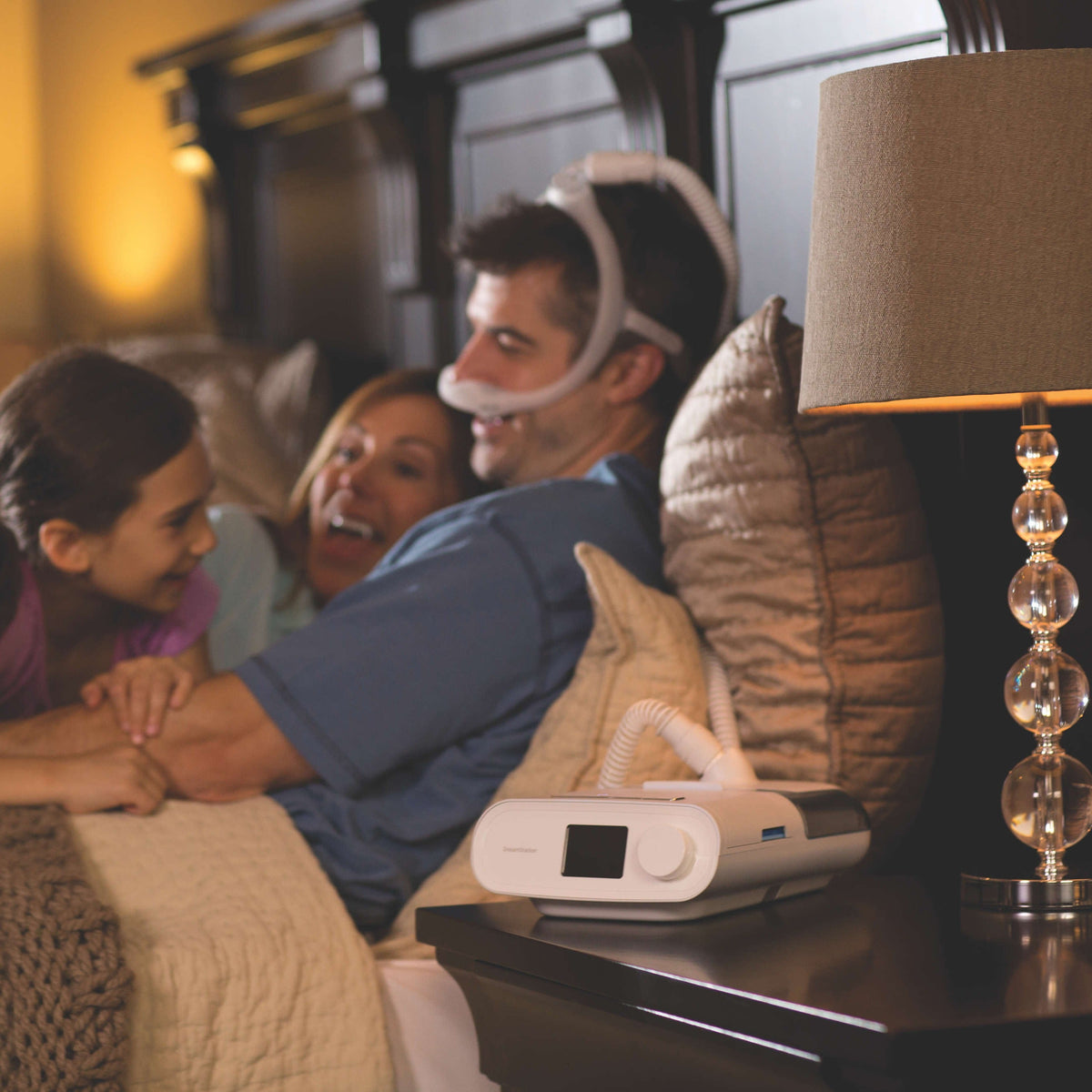
Image with text
Pair text with an image to focus on your chosen product, collection, or blog post. Add details on availability, style, or even provide a review.
Blog posts
-
Blog post
Give your customers a summary of your blog post
Blog post
Give your customers a summary of your blog post
-
Blog post
Give your customers a summary of your blog post
Blog post
Give your customers a summary of your blog post
-
Blog post
Give your customers a summary of your blog post
Blog post
Give your customers a summary of your blog post