


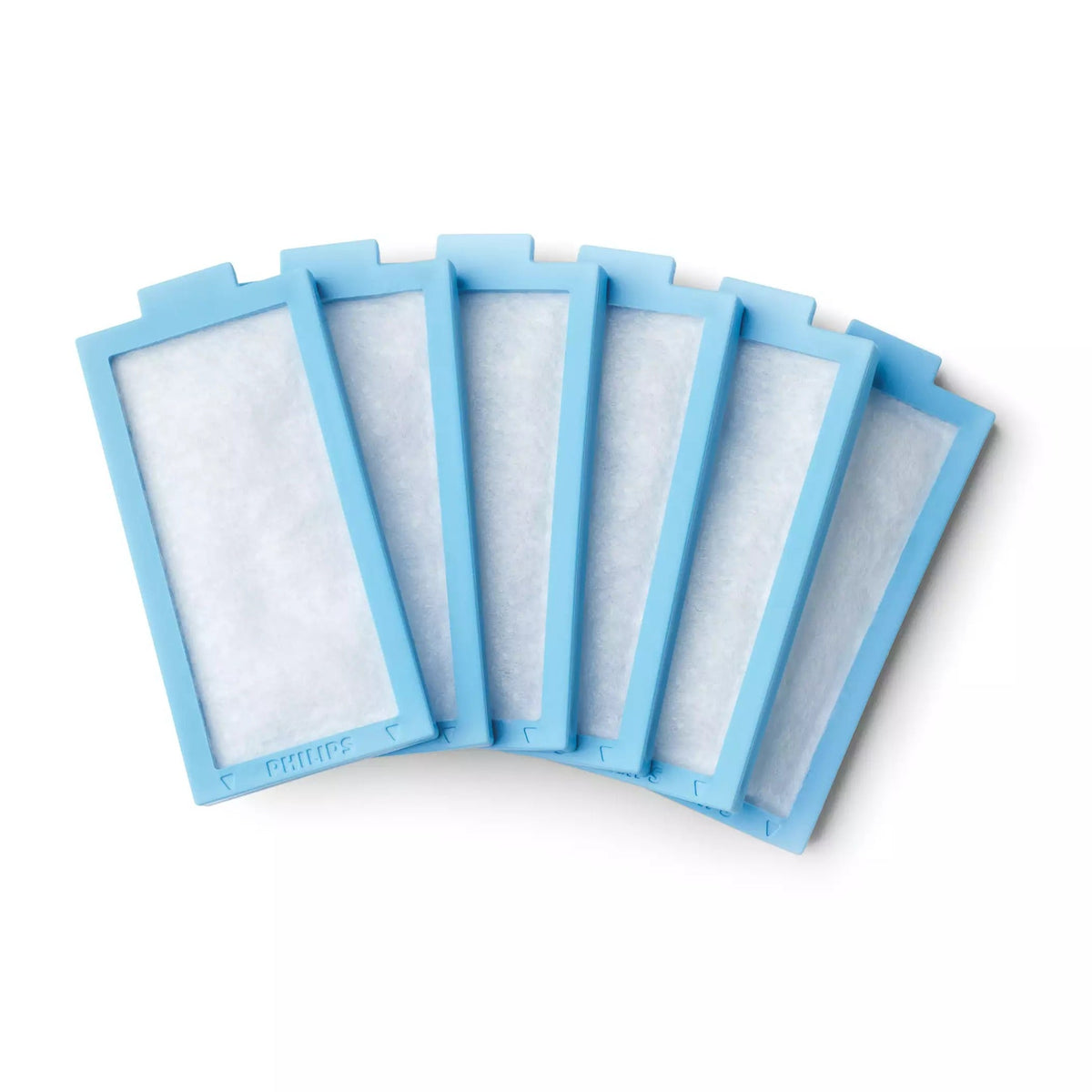
Philips DreamStation 2 Disposable Ultra-Fine Filter
In stock
- Free shipping over $75
- Price match guarantee
- DreamStation 2 CPAP
- DreamStation 2 Auto CPAP
- DreamStation 2 CPAP Advanced
- DreamStation 2 Auto CPAP Advanced
Overview
This blue ultra-fine filter snaps onto your DreamStation 2's grey pollen filter and traps the finer particles the grey filter lets through, so the air you breathe all night has been through two layers instead of one. Philips recommends it if tobacco smoke or other small particles bother you.
Key features:
- Genuine Philips part: Philips made this filter for the DreamStation 2, and its manual asks for Philips filters as replacements.
- Choose your pack size: Packs of one, two, or six let you stock as far ahead as suits you, with six covering about half a year of nightly use.
- Snaps onto the pollen filter: Line up the arrows, press the two filters together, and they slide in as one piece once the water tank is out.
- A layer on top, never alone: It adds a finer layer over the grey pollen filter, which stays in the machine whenever it runs.
What's included
- Disposable ultra-fine filters, in the pack size you choose
Specifications
- Philips part numbers
- 1142828 (pack of 1), 1142829 (pack of 2), 1142831 (pack of 6)
- Filter type
- Disposable ultra-fine filter, blue frame
- Material
- Blended synthetic fibre
- Filtration (Philips)
- 95% efficient at 0.5 to 0.7 micron
- Used with
- The grey reusable pollen filter, which must always be fitted
- Washable
- No, replace it instead
 Philips DreamStation 2 Disposable Ultra-Fine Filter$10.00
Frequently Asked Questions
Will this fit my original DreamStation?
No. The first DreamStation uses a different filter set behind a door on the side of the machine, and the DreamStation Go has filters of its own. This one fits the DreamStation 2 CPAP and Auto CPAP, Advanced models included.
How often does it need replacing?
Philips says to replace the ultra-fine filter after 30 nights of use, or sooner if it looks clogged or damaged. It isn't meant to be rinsed, so a new one goes in each time.
How can I tell it needs changing?
Look for a filter that has turned grey, looks clogged, or is torn. Philips also lists airflow that feels warmer than usual as a sign the filters may be dirty, so a fresh one is the first thing to try.